Create a project (db) in neon.com
Get the connection string “postgresql://….”
Using powershell
psql -d “postgresql://neondb_owner:******@ep-floral-credit-ad9os99j-pooler.c-2.us-east-1.aws.neon.tech/neondb?sslmode=require” -f “c:\hp\miracleostrich\adventure_works_dump.sql”
After the .sql is executed, test:
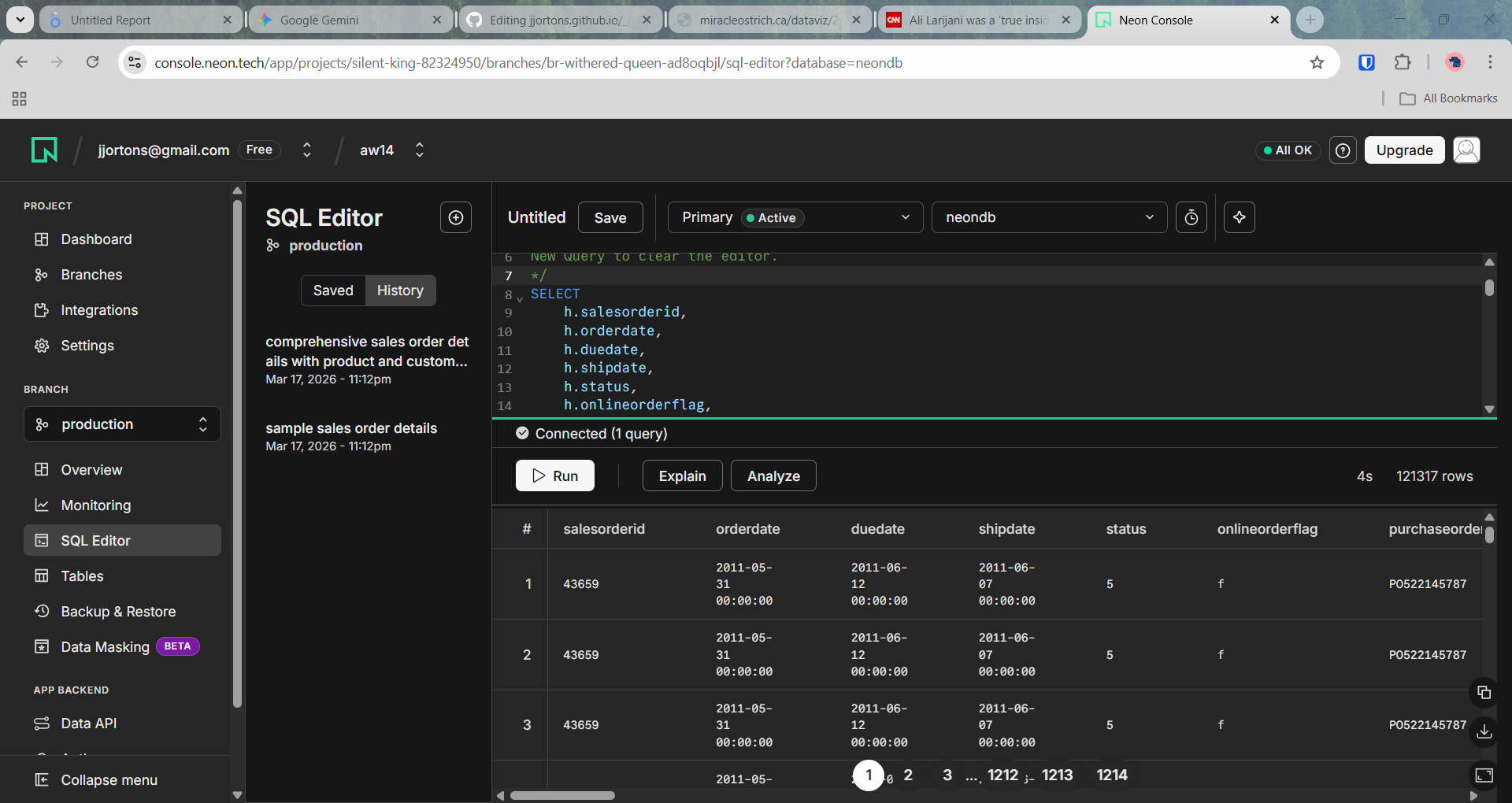
Use sql editor on the project (db) created
Ex. select * from sales.salesorderdetail limit 5;